 Slate
SlateVoice and chat that’s
lightweight.secure.open source.free.
Slate is for hanging out with your friends: calls, messages and servers. No account, no ads, no tracking.
Voice, DMs and servers
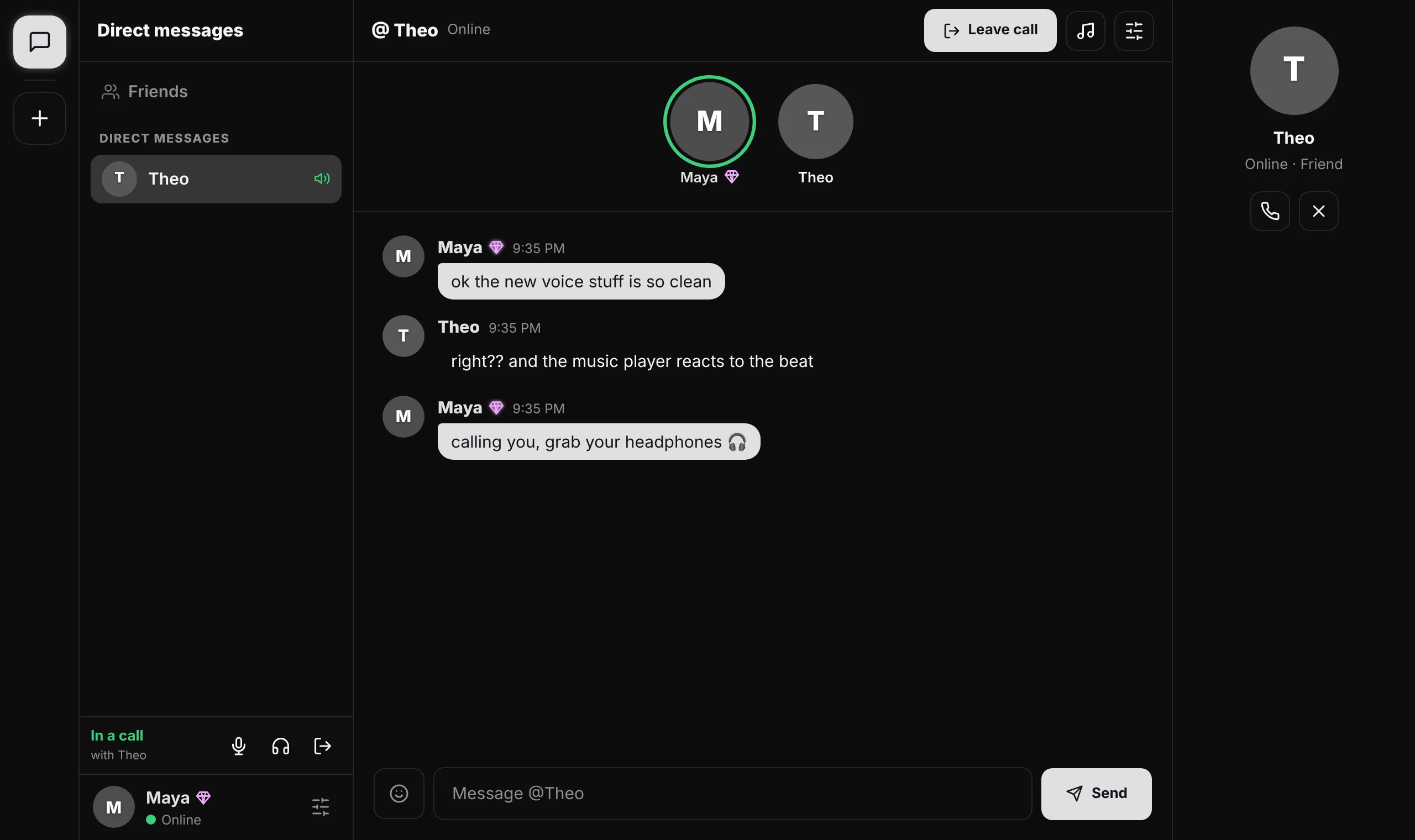
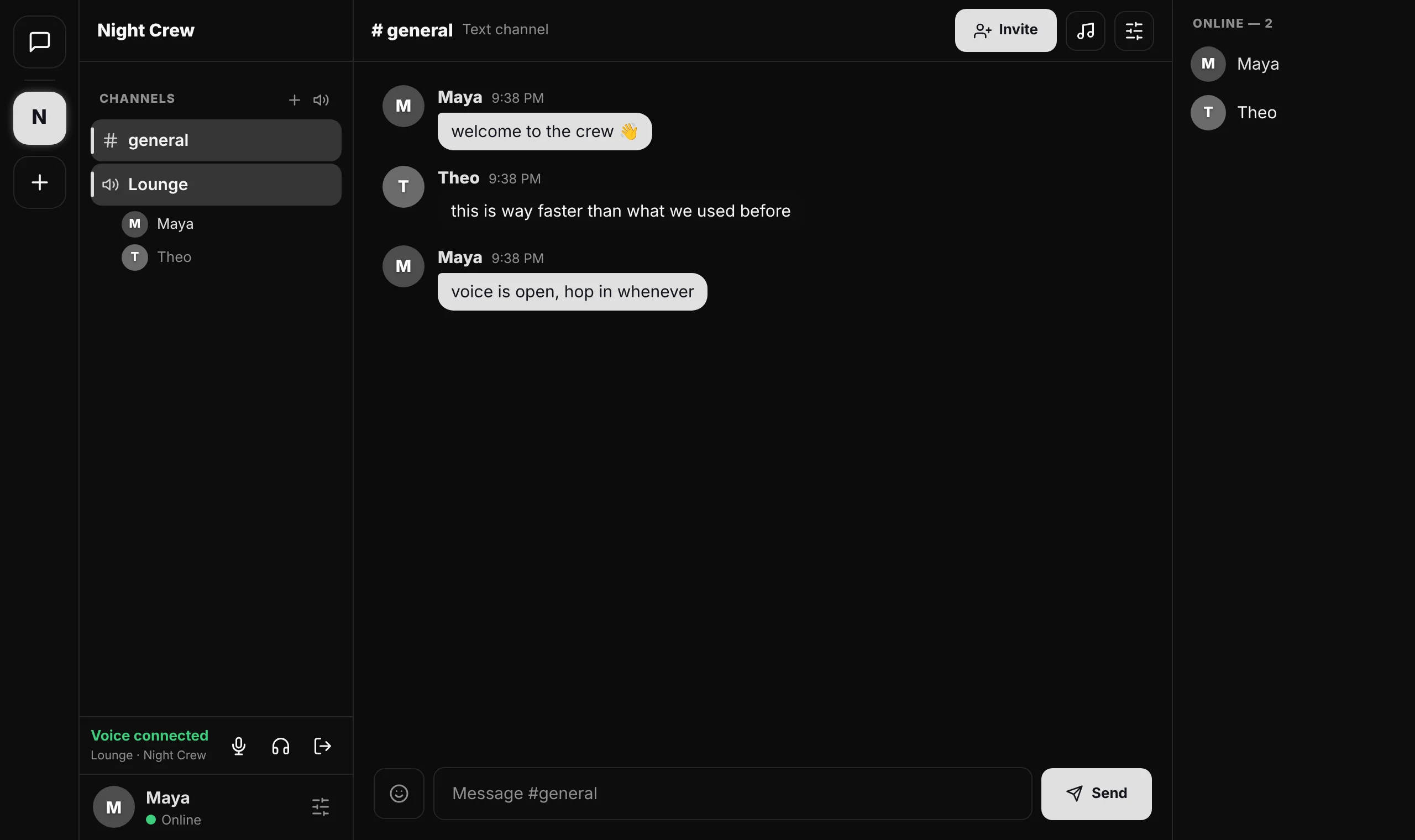
Calls, direct messages and group servers with voice channels. Everything you do with your friends every night.
Lightweight by design
The whole app is smaller than most photos. It opens instantly, in any modern browser.
Private by default
Your device connects straight to your friends’ devices over encrypted connections. There’s no server keeping your messages.
Open source
Every line of Slate is public under the MIT license. Read it, check it, build on it.
View the source →
Talking in under a minute
No sign-up form. Pick a name and you’re in.
Install or open Slate
Install it from your browser for its own window, or just use it in a tab.
Swap friend codes
Send your code to a friend. One of you types in the other’s code, and you’re connected.
Talk
Message, call, or make a server for the whole group with text and voice channels.
Support Slate
Slate is free. Supporters keep it running and get a badge, exclusive name styles and HD voice.
See supporter tiersQuestions
Is Slate really free?
Yes. Calls, messages, servers and customization are free. Supporter tiers are optional extras.
Do I need an account?
No. You pick a name and get a friend code. There’s no email, phone number or password.
How does Slate keep things private?
Your device connects directly to your friends’ devices, and those connections are encrypted. To find each other, devices briefly use free public relays, which only pass along an encrypted introduction. Messages are stored on your devices, not on a Slate server.
How do I install it?
In Chrome or Edge, press Install Slate above, or the install icon in the address bar. On a Mac in Safari, use File → Add to Dock. On iPhone, tap Share → Add to Home Screen. In Firefox, just use it in a tab.
What happens if my friend is offline?
Messages sync the next time you’re both online. Friend requests wait too, and go through when they open Slate.
My friend and I can’t connect.
Make sure you both have Slate open. Some school and work networks block direct connections; try home Wi-Fi or a phone hotspot.